iOS 26: Switch Back to the Classic Phone App Layout
Apple's redesigned Phone app in iOS 26 introduces a unified view that combines recents, favorite contacts, and search on a single screen. But if you prefer the familiar tabbed interface from iOS 18...
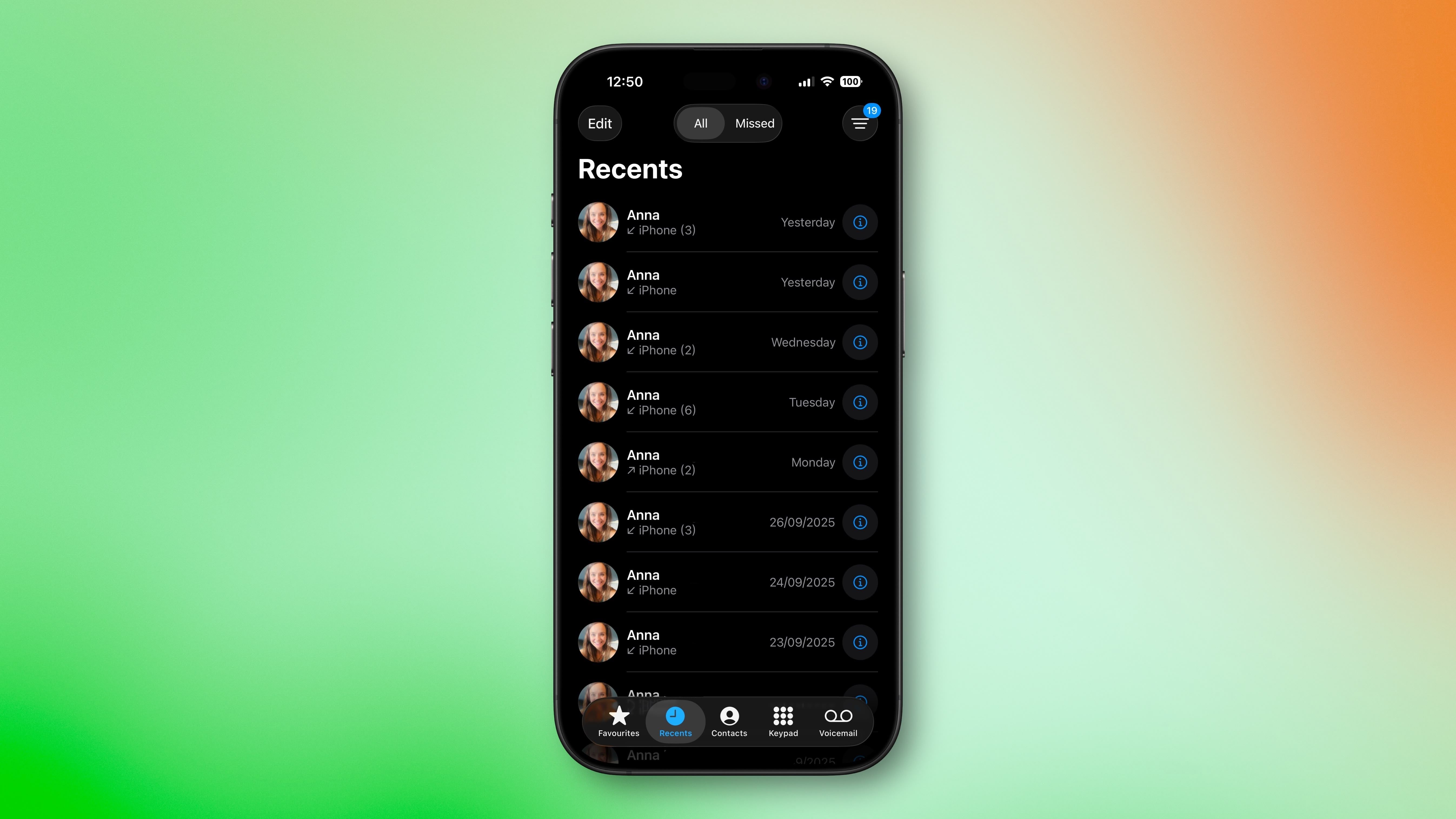
Source: MacRumors
Apple's redesigned Phone app in iOS 26 introduces a unified view that combines recents, favorite contacts, and search on a single screen. But if you prefer the familiar tabbed interface from iOS 18, you can easily switch back to the classic layout. The Classic Phone app layout in iOS 26 What's Different in iOS 26 The new unified design consolidates recent phone activity into one streamlined view in which your favorite contacts appear at the top for quick access.